












LinkedIn Banner Maker
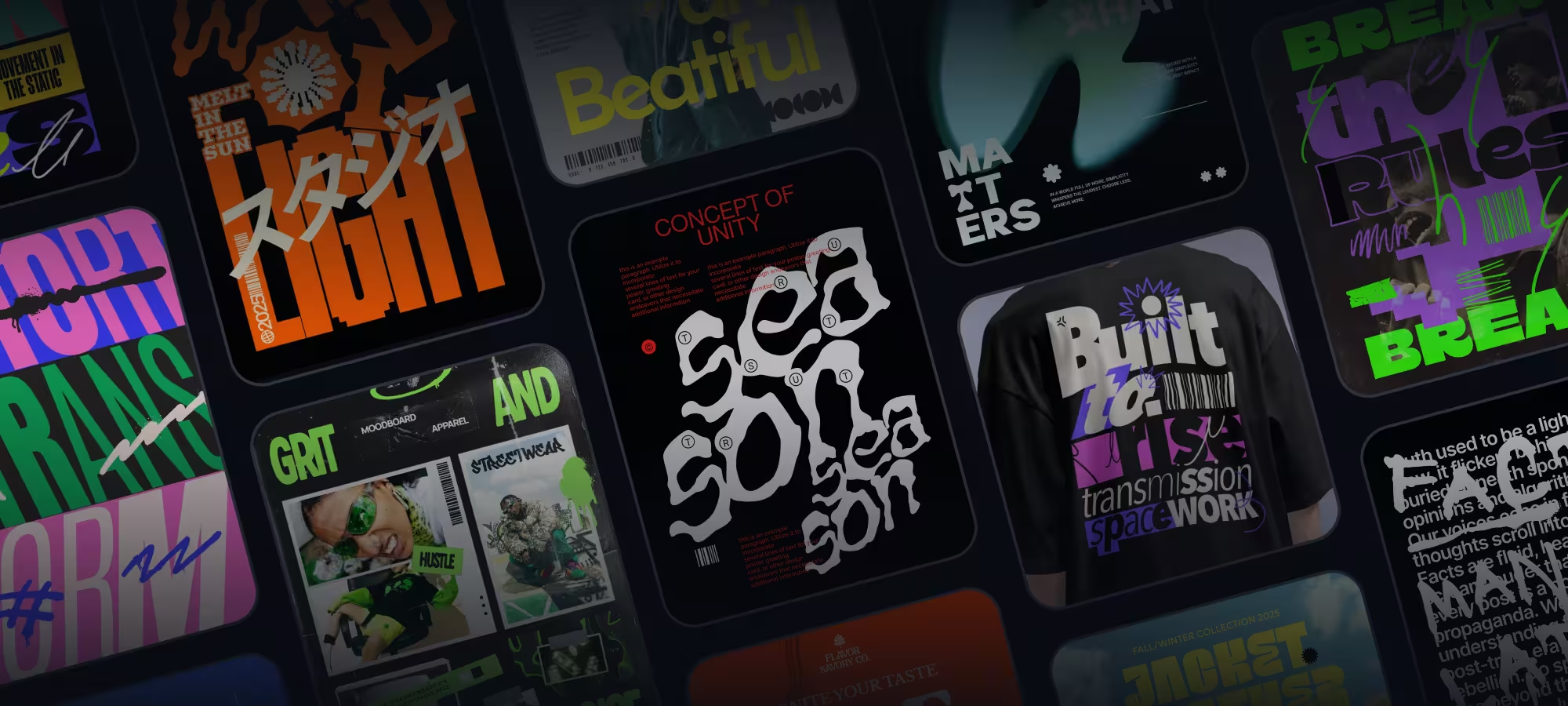
Attract employers and potential customers with a professional LinkedIn banner. With Kittl’s free LinkedIn Banner maker, you can easily create a personalized LinkedIn banner that not only showcases your unique skills and brand but stands out from the crowd.

Trusted by designers at


Design LinkedIn banners that impress
Whether you're a freelancer, corporate leader, or job seeker, having a strong LinkedIn presence is crucial for networking and building your brand. A well-designed banner can catch the eye of potential connections and make them want to learn more about you. With Kittl's easy-to-use LinkedIn banner creator, you can create professional-looking banners in minutes. Simply select a LinkedIn banner template or start from scratch, then use our click-and-drag features to customize it.

How to make a LinkedIn banner

Browse LinkedIn Banner Templates
Loading

Stand out to recruiters and potential clients
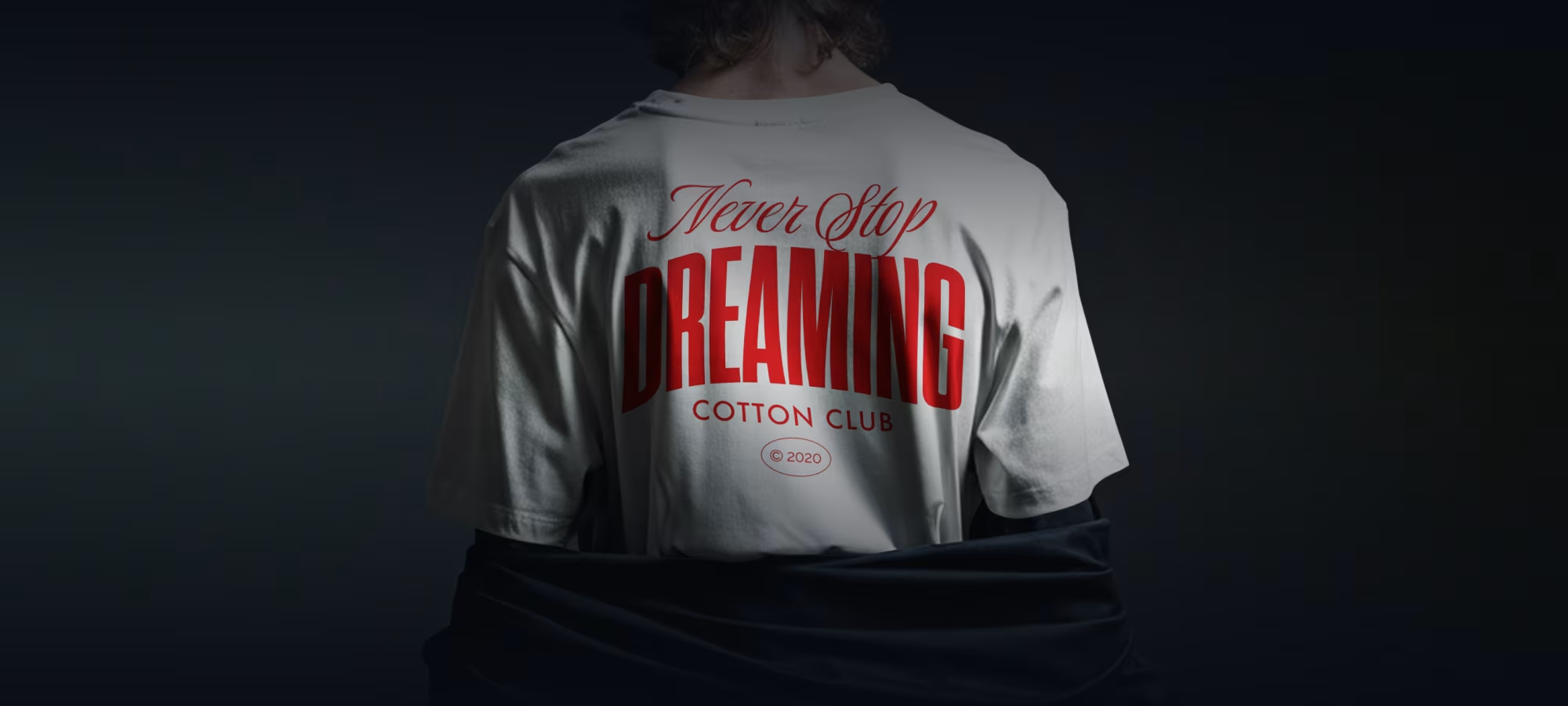
In the crowded LinkedIn landscape, standing out is key to being noticed by recruiters and potential clients. A customized LinkedIn banner makes your profile more visually appealing and communicates your professional strengths and unique value proposition at a glance. Our LinkedIn banner creator provides the creative freedom to ensure your banner grabs attention for all the right reasons. Simply select a template, add your branding elements and essential information, and make a lasting impression.

Create a professional brand identity
A compelling LinkedIn background photo is your billboard. Do you want to highlight your service or a new product? A banner does the heavy lifting to promote your brand's message. With Kittl's LinkedIn banner maker, you don't need to be a design expert to create a banner that leaves a lasting impression. Simply upload your image or pick from our premium collection. Use our click-and-drop customization tools to add your logos, brand colors, and other visual elements to create a powerful banner that reflects your professional brand.

Start growing your professional network
A well-designed LinkedIn background photo can help you stand out among the thousands of profiles and attract the right people to your network. So, once you're happy with your banner design, download it in JPG or PNG formats, upload it to your LinkedIn profile, and start connecting with potential employers, clients, and industry peers. Then, keep your banner updated by simply accessing it on your Kittl account. Say goodbye to boring, generic profiles and hello to a strong and attractive online presence
“I’ve really enjoyed creating some stunning designs!”
Will Paterson
850k+ subscribers
“Kittl makes creating new designs super easy.”
Odetta Rockhead-Kerr
1.22M+ subscribers
Frequently Asked Questions
For a polished LinkedIn banner design, incorporate your company brand or logo, opt for a clean background, avoid distorting images and fonts, and ensure the banner aligns with your page or website theme.
Optimize your LinkedIn profile with a professional banner
Make a great first impression on potential employers and connections with a well-designed LinkedIn banner.
